
The Great Equalizer: Why AI Changes Everything for Nonprofit SEO
Let me share something that should excite every resource-constrained nonprofit: AI has fundamentally leveled the playing field for SEO.
What used to require a full-time content marketing position, a professional SEO consultant, and a significant budget can now be accomplished by a development director with the right tools and systems. The research that took days now takes hours. The content that required expensive agencies can now be produced in-house with authentic expertise.
Here's the reality: 44% of nonprofit website traffic comes from organic search, yet only 37% have a dedicated SEO strategy. The organizations that figure out AI-assisted SEO now will build sustainable donor acquisition channels while others keep paying for expensive ads.
I learned this lesson from my marketing background: first movers get massive advantages. And right now, most nonprofits are still figuring this out.
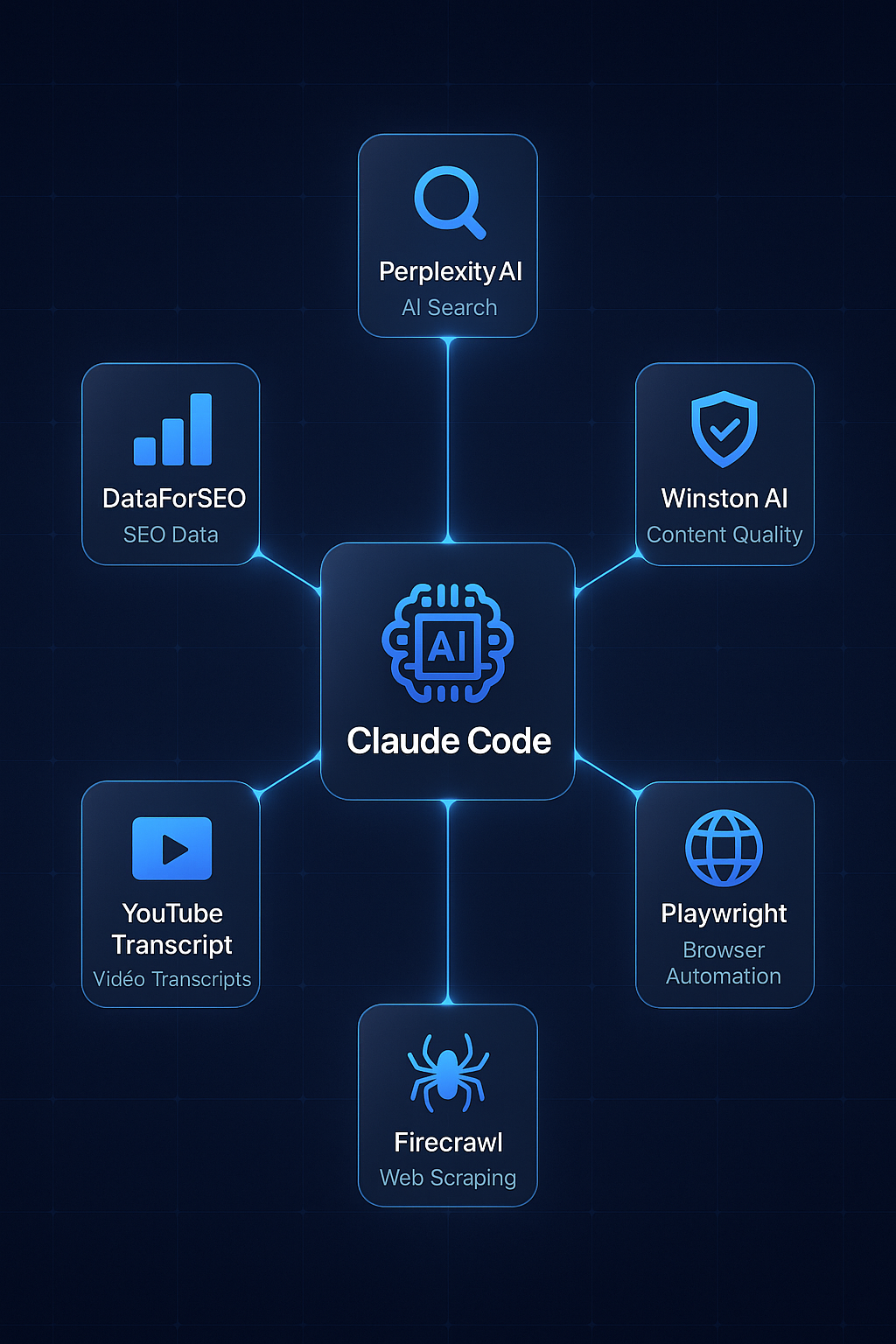
What You'll Need: The Nonprofit AI SEO Stack
Before we dive into workflows, let me share the tools that make this possible for nonprofit teams. You don't need all of these - I'll indicate which are essential versus nice-to-have.
Essential Tools (Start Here)
AI Writing Assistant: ChatGPT or Claude ($20-100/month)This is your foundation. Either works well. I personally prefer Claude for longer-form content because it maintains voice consistency better, but ChatGPT is equally capable.
What to use it for:
- Drafting content from your notes and expertise
- Repurposing existing content (grant narratives, impact reports) for SEO
- Generating content outlines based on keyword research
- Editing and refining your writing
This tells you what search terms are already bringing people to your site. Essential data for understanding your current organic performance.
Google Analytics (Free)Track how organic visitors behave on your site. Are they donating? Signing up for newsletters? You need this data to measure ROI.
Recommended Tools (When Budget Allows)
Keyword Research Tool: Ubersuggest, SEMrush, or Ahrefs ($29-199/month)These help you find what your potential donors and supporters are searching for. Ubersuggest has a nonprofit discount. Some tools offer free limited versions to start.
AI Detection Tool: Winston AI or Similar ($12-49/month)To ensure your AI-assisted content passes authenticity checks. Google's algorithm is increasingly sophisticated at detecting generic AI content.
Advanced Tools (For Larger Teams)
Claude Code or Cursor ($100-200/month)These allow you to build automated SEO workflows. I use Claude Code with specialized workflows that handle keyword research, competitor analysis, and content optimization in streamlined processes.
DataForSEO API ($50+/month based on usage)Professional-grade keyword data and SERP analysis. Worth it if you're producing significant content volume.
Phase 1: Understanding What Your Donors Are Searching For
This is where most nonprofits make their first mistake: they guess what content to create instead of researching what their audience actually searches for.
Start with What You Know
Before touching any tool, write down:
- The top 10 questions donors ask your development team
- The concerns that come up in major gift conversations
- What program staff hear from beneficiaries and their families
- Topics your executive director speaks about at events
These become your seed keywords. For example, if you're an animal rescue:
- "how to adopt a dog"
- "animal shelter volunteer requirements"
- "cost of pet adoption"
- "rescue dog vs breeder"
Expand with Keyword Research
Using your keyword tool, research each seed term. Look for:
- Search volume: How many people search this monthly?
- Keyword difficulty: How hard is it to rank for this?
- Search intent: Are people looking to learn, buy, or find a specific organization?
For nonprofits, I recommend targeting keywords with:
- 100-1,000 monthly searches (realistic to rank for)
- Keyword difficulty under 30 (achievable for newer sites)
- Transactional or navigational intent (people ready to act)
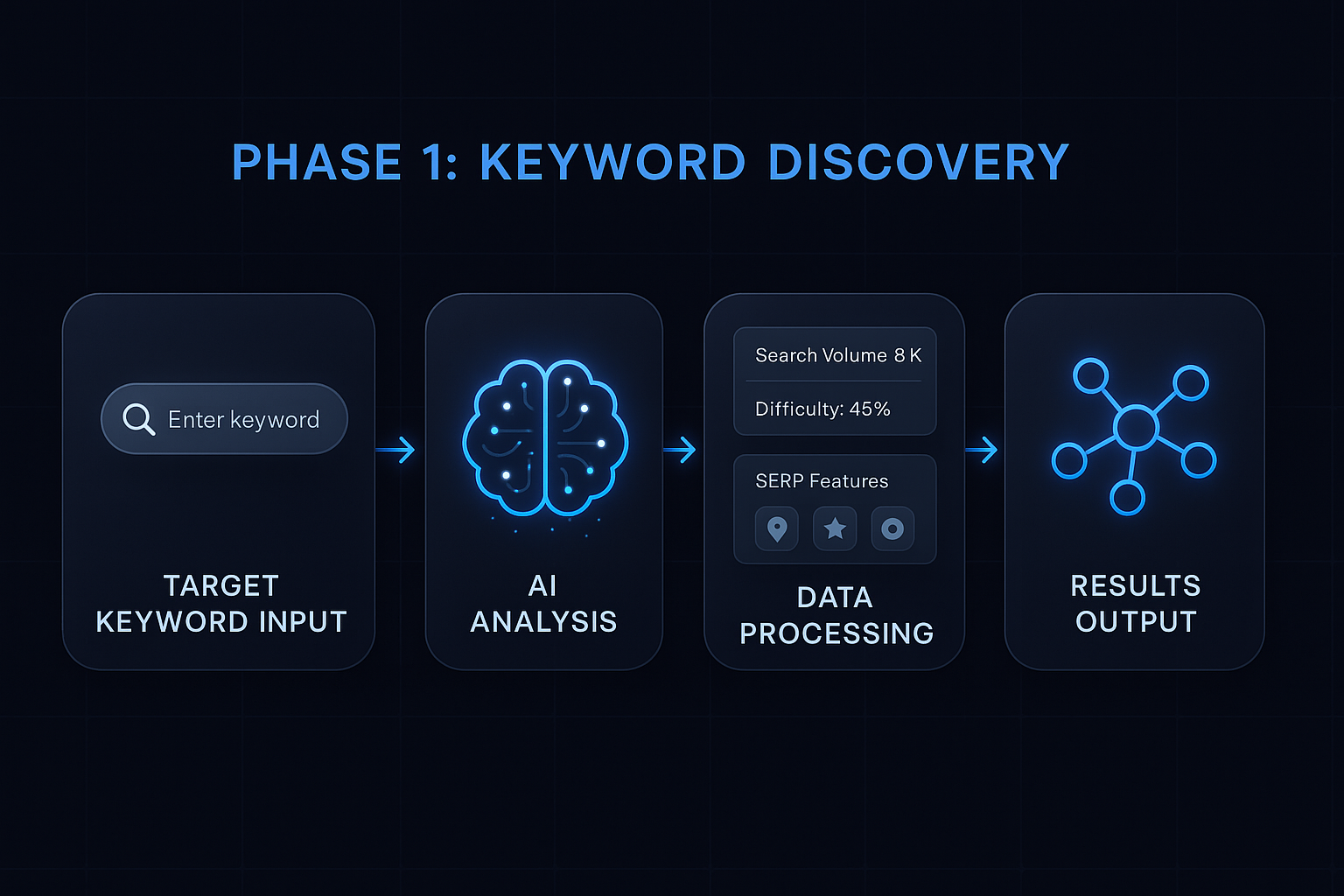
Nonprofit-Specific Keyword Opportunities
Based on my research, here are keyword categories that often have strong opportunity for nonprofits:
"How to help [cause]"- "how to help homeless veterans"
- "how to help abandoned animals"
- "how to help refugees in my community"
- "animal shelter volunteer near me"
- "food bank volunteer requirements"
- "hospital volunteer programs"
- "best animal charities to donate to"
- "where to donate used clothes"
- "tax deduction for charitable giving"
- "[city] food bank"
- "[city] animal rescue"
- "[city] homeless shelter"
The key insight: people searching these terms have high intent to take action. They're not just browsing - they're looking to help.
Phase 2: Creating Content That Ranks AND Converts
Here's where AI becomes your amplifier rather than your replacement.
The Wrong Way (AI Slop)
Give ChatGPT a prompt like: "Write a blog post about animal adoption."
You'll get generic content that:
- Could have been written by any organization
- Contains no unique expertise or stories
- Lacks emotional connection
- Probably won't rank because thousands of similar articles exist
The Right Way (AI-Amplified Expertise)
Start by documenting YOUR unique angle. For that animal rescue example:
Your expertise input:- "We've placed 500 dogs this year, and the most common challenge new adopters face is..."
- "Our behavior team has noticed that dogs from hoarding situations need..."
- "The story of Max, a senior dog who waited 18 months for adoption, teaches us..."
"Using the expertise and stories I've shared, create a comprehensive guide for first-time dog adopters. Include our specific behavioral insights and the story of Max. Maintain a warm, encouraging tone that reflects our mission to match every dog with the right family."
The difference? Content that only YOUR organization could create.
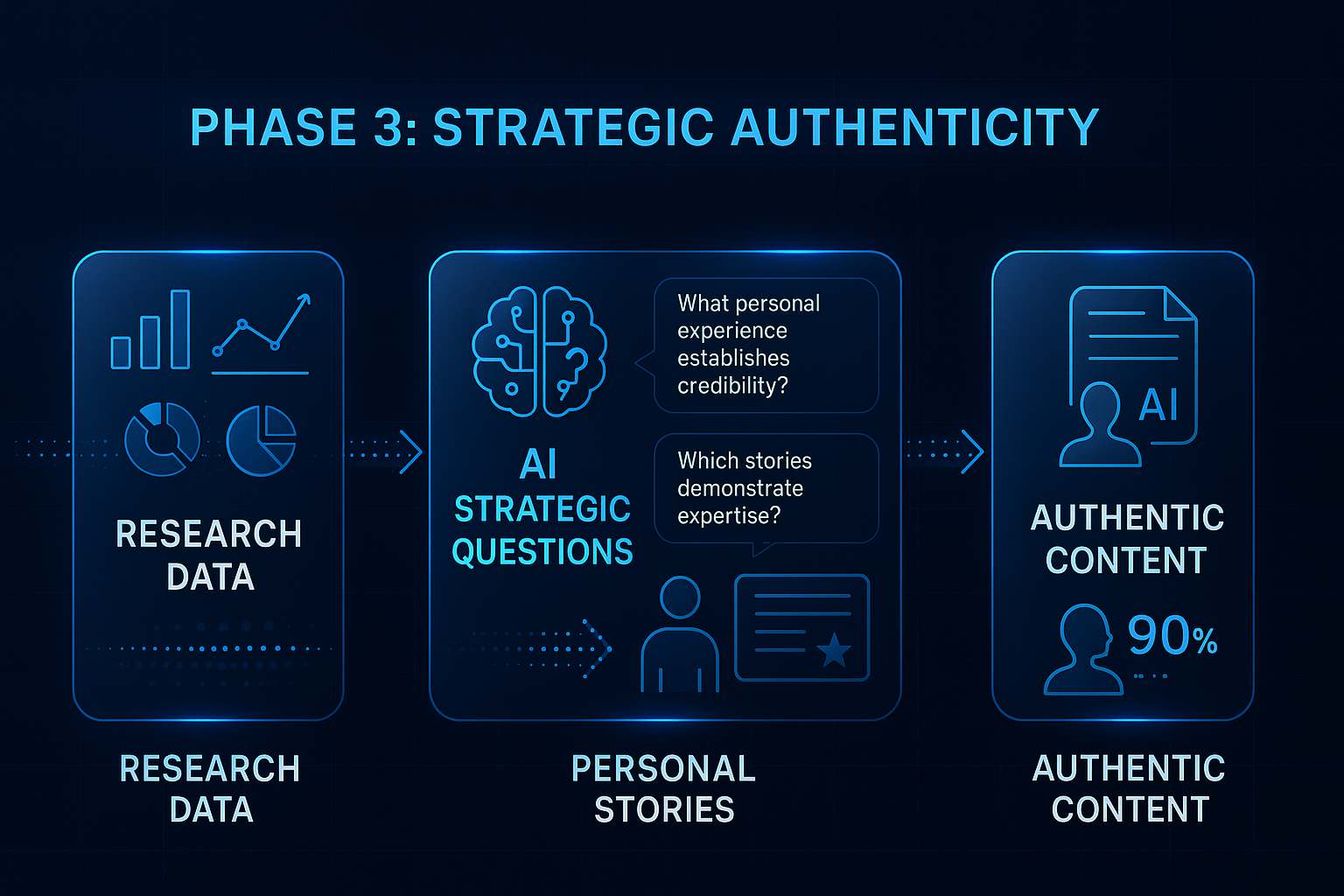
The Content Creation Workflow
Here's the step-by-step process I recommend for nonprofits:
Step 1: Gather Your Unique Material (30 minutes)- Pull relevant impact stories from your files
- Note any statistics or outcomes specific to your organization
- Identify staff expertise that applies to this topic
- Find donor testimonials or beneficiary quotes that relate
- Search your target keyword on Google
- Read the top 3 ranking articles
- Note what they cover that you should include
- Identify gaps where your expertise adds value
- Map the key sections based on competitor research
- Plan where YOUR unique stories and data will appear
- Identify the specific questions you'll answer
- Feed AI your outline, stories, and expertise
- Generate a first draft section by section
- Include specific prompts about tone and audience
- Read aloud - does this sound like YOUR organization?
- Add specific details AI missed
- Ensure emotional connection is present
- Include calls-to-action relevant to your mission
- Include target keyword in title, first paragraph, and headers
- Add internal links to related content on your site
- Write a compelling meta description
- Optimize images with alt text
Total time: About 2.5 hours for a quality, SEO-optimized article. That's a fraction of what it would take without AI assistance.
Phase 3: Building Your Impact Story Repository
This is the secret sauce that separates authentic nonprofit content from generic AI output.
Every nonprofit has stories. The problem is they're scattered - in staff memories, old newsletters, grant applications, event speeches. The solution is creating what I call your "Impact Story Repository."
What to Document
Beneficiary Transformation Stories (with permissions)- Before situation
- Your intervention
- After outcomes
- Specific details that make it real
Example: "Maria came to our food bank unable to afford groceries for her three kids. After six months of weekly support and our nutrition education program, she's now working part-time and only needs our services occasionally. Last month, she started volunteering to help other families."
Staff Expertise Notes- Program insights from years of experience
- Common patterns they observe
- Solutions they've developed
- Advice they give to beneficiaries or donors
- Why they give
- Their connection to the cause
- Impact they've witnessed
- Quotes from thank-you conversations
- The surprise birthday party for a long-term client
- The volunteer who became a major donor
- The beneficiary who returned to help others
These stories become the foundation that makes AI-generated content authentically yours.
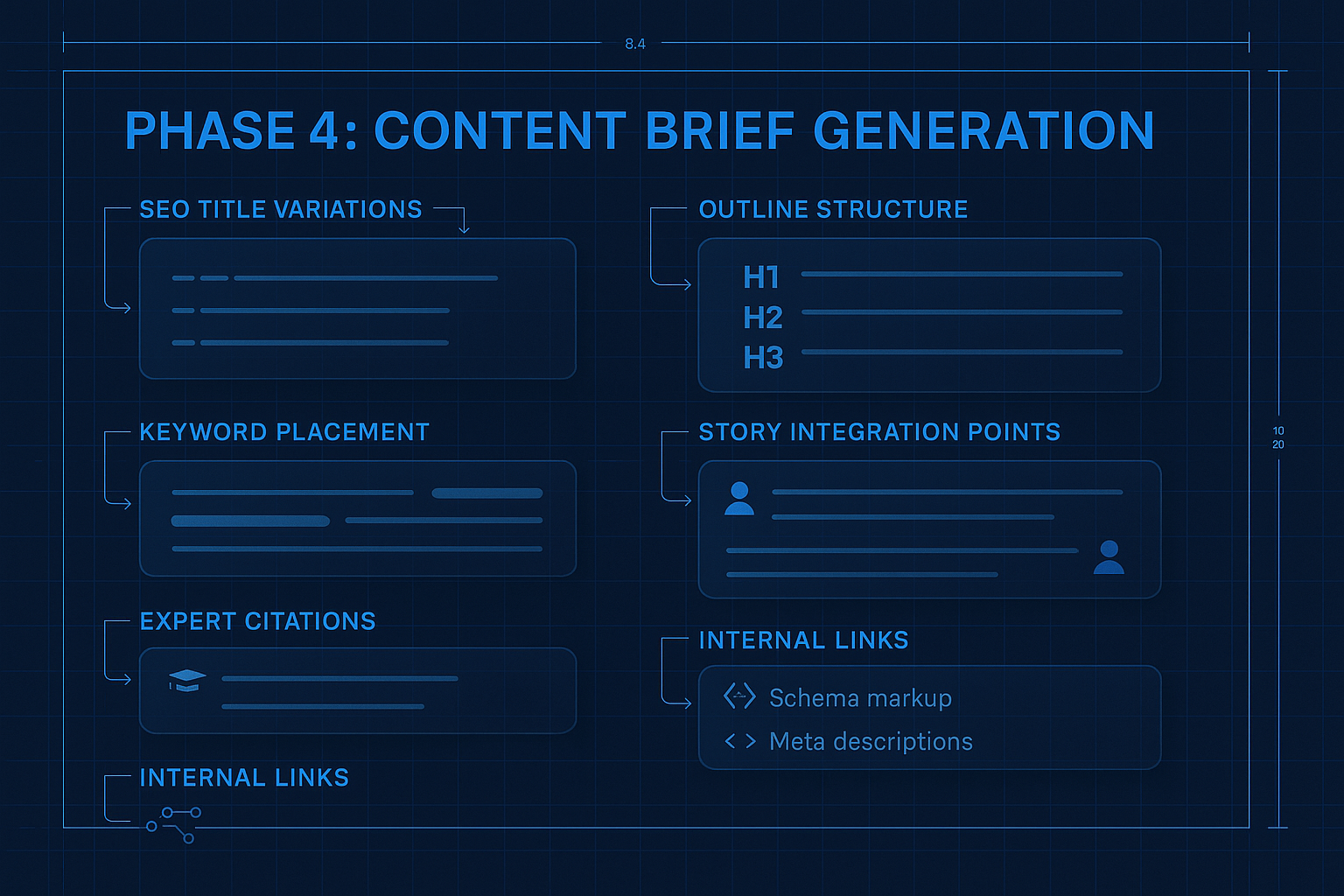
Organizing Your Repository
Keep it simple - a shared document or spreadsheet works. Organize by:
Category:- Beneficiary stories
- Donor testimonials
- Staff expertise
- Program outcomes
- Organizational history
- Program area (education, food, shelter, health)
- Emotional tone (inspiring, challenging, hopeful)
- Content type (case study, quote, statistic)
- Date captured
When you're creating content on a topic, you can quickly filter to find relevant stories and expertise to include.
For a complete framework on building this repository as part of a larger content strategy, see my AMPLIFY framework for authentic nonprofit content.
Phase 4: The Technical SEO Basics That Matter
You don't need to become a technical SEO expert, but there are fundamentals every nonprofit should address.
Site Speed
80% of nonprofit websites received a "poor" rating on mobile performance. This directly impacts rankings.Quick wins:
- Compress images before uploading
- Remove unused plugins or scripts
- Use a caching plugin if you're on WordPress
- Consider a CDN for faster loading
Mobile Optimization
52% of nonprofit website traffic is mobile, and Google prioritizes mobile-friendly sites.Check that:
- Text is readable without zooming
- Buttons are large enough to tap
- Donation forms work smoothly on phones
- Navigation is easy on small screens
Core Web Vitals
Google measures:
- Loading performance: Does the main content load quickly?
- Interactivity: Can users interact with the page quickly?
- Visual stability: Does content shift around while loading?
Most nonprofits can significantly improve these with basic optimization. Your web developer or a WordPress plugin can help.
Site Structure
Organize content logically:
- Clear navigation that groups related topics
- Internal links between related articles
- Category pages that aggregate content by topic
- A sitemap that helps search engines find all your pages
Phase 5: Quality Control for AI-Assisted Content
This is non-negotiable. Every piece of AI-assisted content needs human review before publishing.
The Authenticity Check
Read the content aloud and ask:
- Does this sound like our organization?
- Would our executive director be comfortable with this being published?
- Are there specific details that only we could know?
- Does it feel genuine or generic?
If any answer is "no," revise before publishing.
The Accuracy Check
AI can hallucinate facts. Verify:
- All statistics cited
- Any claims about research or studies
- Names, dates, and specific details
- Links to external sources
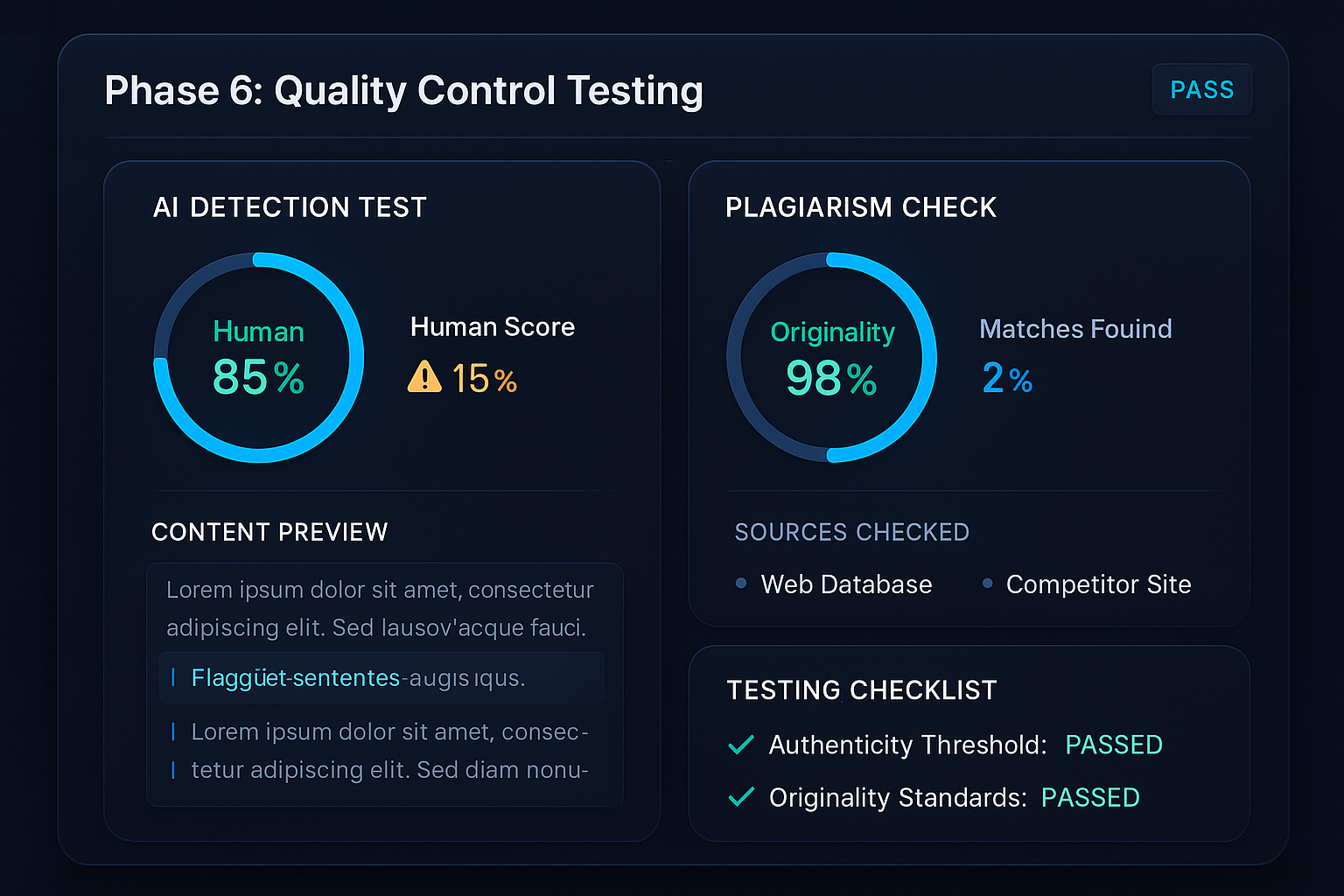
The AI Detection Check
Tools like Winston AI can analyze your content for AI patterns. I recommend:
- Running content through detection
- If it scores high for AI, add more personal anecdotes and specific details
- Revise generic phrasing with your unique voice
Google's algorithm is increasingly sophisticated at identifying generic AI content. The investment in authenticity is also an investment in rankings.
Phase 6: Measuring What Matters for Nonprofits
SEO for nonprofits isn't about vanity metrics. Here's what to actually track:
Mission-Aligned Metrics
Donor Acquisition:- New donors from organic traffic (track with UTM codes)
- Email signups from organic visitors
- Donation page visits from blog content
- Volunteer application submissions from organic search
- Time on volunteer information pages
- Geographic data on volunteer interest
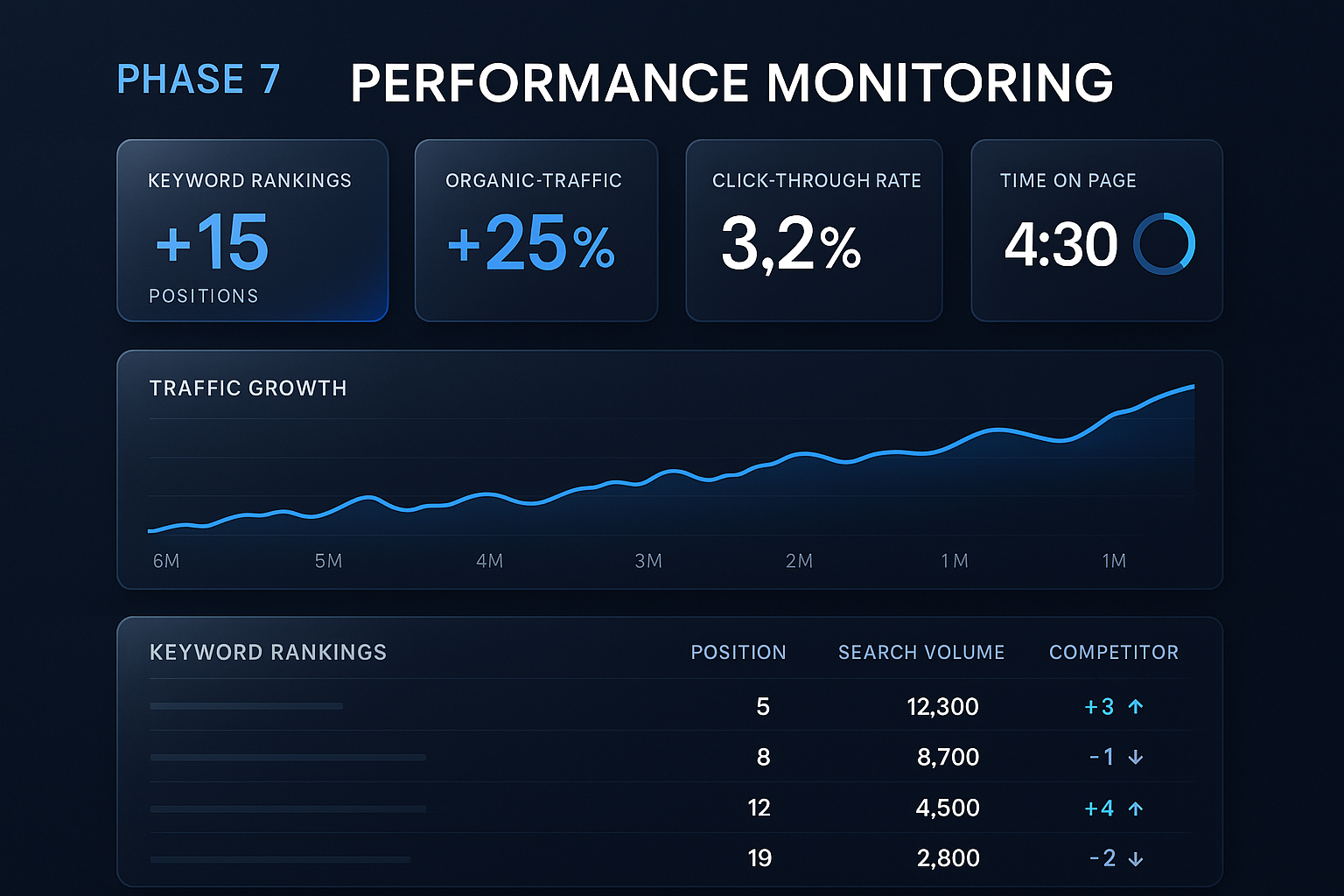
- Total organic traffic growth
- Rankings for your core mission keywords
- Branded search volume (people searching for you by name)
How to Track Donations from Organic Traffic
Set up Google Analytics goals for:
- Donation completion
- Email signup
- Volunteer application
Then filter by traffic source to see how organic search contributes.
For deeper analysis, use UTM parameters on internal links. When someone clicks from a blog post to your donation page, you can track exactly which content drove the conversion.
A 30-Day Quick-Start Plan for Nonprofit SEO
If you're starting from zero, here's how to build momentum:
Week 1: Foundation
Day 1-2: Set up or verify Google Analytics and Search ConsoleDay 3-4: Audit current organic traffic and identify what's already workingDay 5-7: Research your top 10 keyword opportunitiesWeek 2: Content Planning
Day 8-10: Build your initial impact story repository (10-15 stories)Day 11-12: Create a content calendar for the next month (4 posts)Day 13-14: Draft your first SEO-optimized articleWeek 3: Production
Day 15-17: Refine and publish first articleDay 18-20: Draft second articleDay 21: Optimize your top 3 existing pagesWeek 4: Systems and Scale
Day 22-24: Create templates and processes for content creationDay 25-27: Draft third and fourth articlesDay 28-30: Review initial data and adjust strategyBy the end of 30 days, you'll have a working SEO system and 4 pieces of optimized content.
Common Mistakes to Avoid
After helping organizations with content strategy, here are the patterns I see:
Mistake 1: Creating Content for Everyone
Generic content for "anyone who might donate" connects with no one. Instead, create content for specific audiences:
- Major gift prospects researching your organization
- Young professionals looking to volunteer
- Foundation staff evaluating your credibility
- Families seeking your services
Each audience has different questions and needs.
Mistake 2: Ignoring Your Existing Content
Most nonprofits have years of grant narratives, impact reports, and newsletters gathering dust. This content can be repurposed for SEO:
- That grant narrative becomes a detailed program overview
- That impact report becomes 5 blog posts about outcomes
- That newsletter series becomes evergreen educational content
Repurposing is faster than creating from scratch.
Mistake 3: Publishing Without Promotion
SEO takes months to build momentum. In the meantime, promote your content:
- Share in email newsletters
- Post on social media
- Send to board members to share
- Include in donor communications
Early traffic and engagement signals help with rankings.
Mistake 4: Giving Up Too Soon
SEO is a long game. If you publish 4 articles and give up after 2 months, you've wasted your investment. Commit to at least 6 months of consistent effort before evaluating results.
The Nonprofit SEO Advantage
Here's what most people don't realize: nonprofits actually have advantages for SEO that commercial businesses don't.
Authentic Stories:You have real transformation stories that connect emotionally. Businesses have to manufacture this; you have it naturally.
Expert Staff:Your program staff have genuine expertise from years of direct service. This is exactly what Google's E-E-A-T guidelines reward.
Community Trust:Nonprofits are generally trusted more than commercial entities. This translates to better engagement and sharing.
Local Connections:Many nonprofits are deeply embedded in their communities. Local SEO is often less competitive and more impactful.
The organizations that combine these natural advantages with AI-assisted content production will dominate their cause area in search results.
Your Next Steps
Here's what I want you to do today:
If you're just starting:- Set up Google Search Console (free, takes 10 minutes)
- Write down the top 5 questions donors ask
- Research one of those questions as a keyword
- Audit your top-performing organic content
- Identify 3 pages that could be improved with your impact stories
- Create a simple story repository template
- Document your content creation workflow
- Build a comprehensive story repository
- Consider AI tools that can accelerate production
Remember what drives all of this: more visibility means more supporters, more resources, and more people served. When I was at Harriet Buhai and we couldn't take on every client, it wasn't because of lack of will - it was lack of resources. SEO is one way to build those resources sustainably.
For the complete strategy on building authentic content systems, check out my AMPLIFY framework for nonprofit storytelling. And for understanding the overall ROI case for nonprofit SEO, see Is SEO Worth It for Nonprofits?.
If you need help implementing these systems at your organization, I'd love to chat. We specialize in helping mission-driven organizations build sustainable content systems that attract donors and supporters through organic search. Schedule a call and let's talk about what's possible.
---

The need is always greater than the resources. Let's change that.
When I volunteered at Harriet Buhai Family Law Center during law school, I'd feel very, very sad when we couldn't take on a client because we didn't have the budget. Families who desperately needed help with restraining orders or custody issues—turned away because the resources just weren't there.
That experience taught me something important: if nonprofits had more donors, more consistent funding, they could help more people. It's that simple.
That's why we start nonprofit teams with a single hands-on workshop: three to four hours, your real donor communications, and staff who leave able to do this themselves.
See the Workshop →